
Siri Techno Fabs: Experts in Boot Failure Data Recovery
System won't start or facing a "No Bootable Device Found" error? Siri Techno Fabs provides professional data retrieval using proprietary restoration protocols to bypass startup crashes and recover files from unbootable laptops and desktops.
Start My Recovery
Startup Restoration Solutions
From Blue Screens (BSOD) to missing partition tables, Siri Techno Fabs handles complex boot failure data recovery.
MBR & GPT Recovery
Is your drive showing as unallocated or missing its partition map? We use low-level hex editors to manually repair the Master Boot Record and re-map your data volumes for full boot failure data recovery.

OS Corruption Fixes
Facing a boot loop or registry corruption? Our forensic tools bypass the operating system entirely, allowing us to clone the drive and perform boot failure data recovery without risking original data.
Firmware Detection Issues
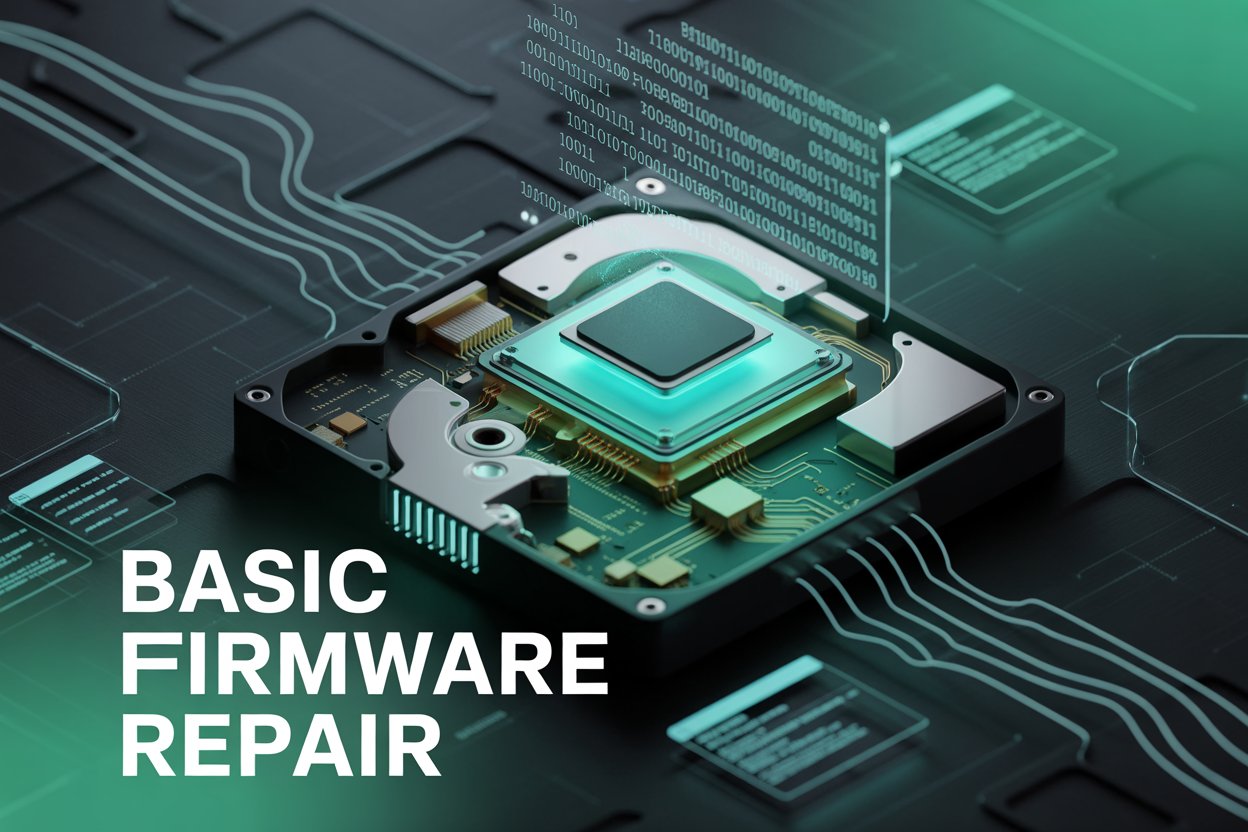
If your BIOS cannot detect the drive, it is often a firmware failure. We access the drive's internal service area to repair corrupted microcode, restoring the path for successful boot failure data recovery.
The Science of Boot Forensics
Startup issues are often high-risk symptoms of drive failure. Siri Techno Fabs utilizes a forensic imaging workflow to ensure safety. We create a bit-stream clone of your media and perform the boot failure data recovery on a virtual workstation, guaranteeing that your original hardware remains untouched.
- Bit-for-Bit Imaging to Preserve Data Integrity
- Restoration of BitLocker and FileVault Encrypted Drives
- Forensic Carving of Data from Damaged File Systems

FAQs: Professional Startup Recovery
My PC says "No Boot Device Found." Is my data lost?
Usually not. This error often means the boot metadata is corrupted or the drive has a firmware fault. Siri Techno Fabs can bypass this to perform a full boot failure data recovery.
Should I try to reinstall my OS to fix the boot error?
No. Reinstalling an operating system involves writing new data to the drive, which can permanently overwrite your original files. Seek professional boot failure data recovery instead.
Can you recover data from a laptop that won't turn on?
Yes. If the laptop hardware is dead, we extract the internal storage (HDD/SSD/NVMe) and perform a direct raw recovery on our forensic equipment.
How long does a startup restoration take?
Logical boot repairs are often completed within 24-48 hours. If the failure is due to physical bad sectors, the imaging process may take 3-5 business days.
Real Success Stories
"My design PC wouldn't boot past the Windows logo. Siri Techno Fabs performed a successful boot failure data recovery and saved my entire portfolio!"
— Vikram Deshpande, Bengaluru
"Thought I lost 5 years of photos after a Blue Screen crash. These experts bypassed the corruption and retrieved everything. Best forensic lab in India!"
— Kavitha Rao, Bengaluru
Start Your Professional Recovery Now
Don't let a startup error become permanent data loss. Contact the experts at Siri Techno Fabs now for a professional evaluation and secure data extraction.